Lead UI/UX Designer
Workd Design System
An atomic, WCAG compliant system that helped design and dev build faster and with confidence.
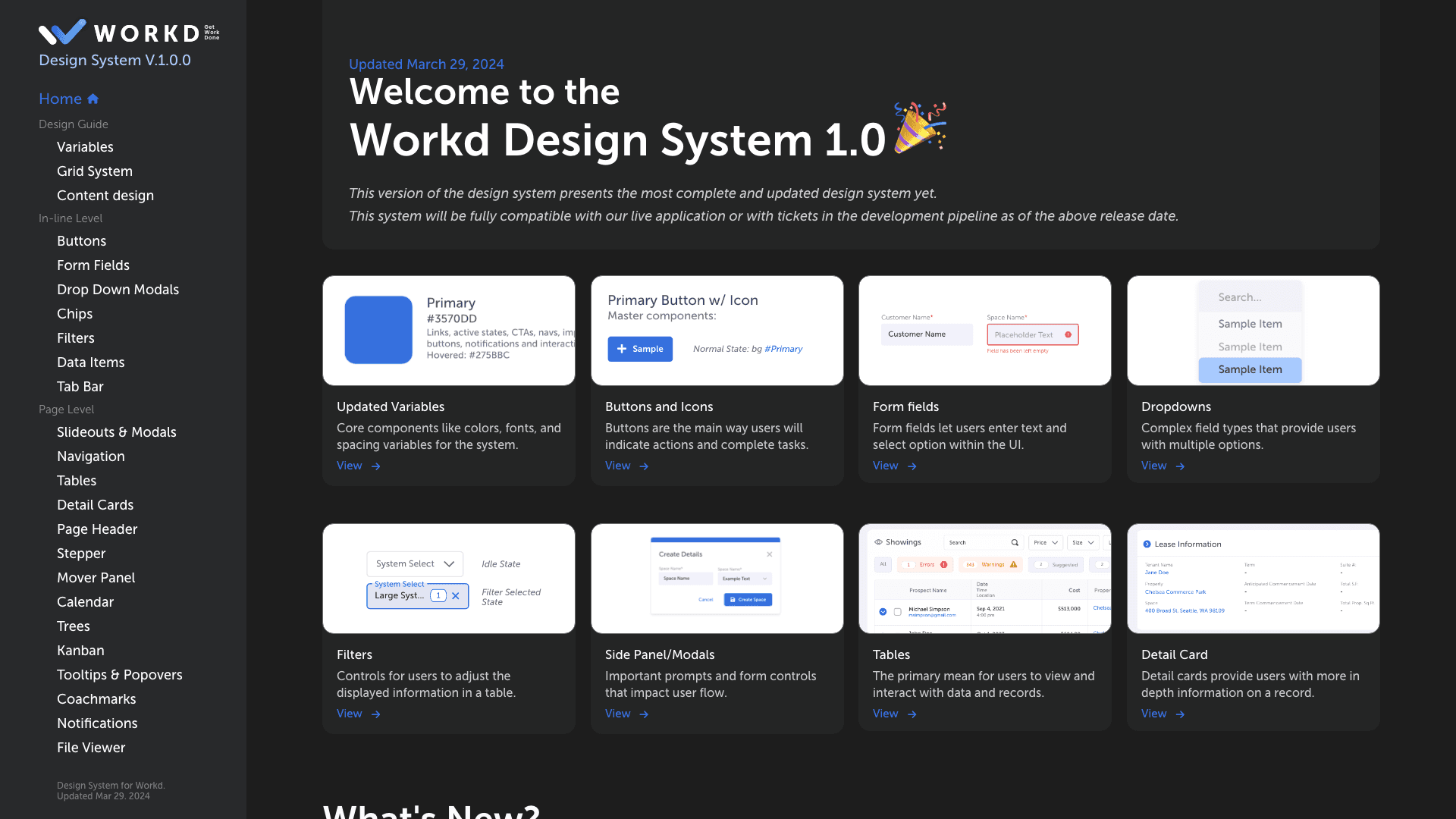
One trusted system for design and dev to build from.
Who were the users?
Designers and developers using shared components across Workd’s CRM and ecommerce tools.
Why did it need work?
The existing system was early and loosely structured, which made it hard to design and build with consistency or confidence.
What did I do?
I led the UI/UX work on the system. I audited every component, set naming and documentation rules, raised accessibility to AA and beyond, and moved the whole system into Figma.
What value did it bring?
A standardized, clearly documented system reduced friction and let design and dev move faster with confidence.
- Lead UI/UX Designer
- Rafi AlmhanaProduct Manager
- Austin HollandUI/UX Team Lead
- Jesse BrunerUI/UX Designer
- Figma
- Adobe XD
- Miro
- Jira
- Microsoft Teams
Components existed, but nobody could rely on them.
Challenge statement
The design system lacked consistency, accessibility standards and clear documentation, which caused friction between design and development.
Background
When I joined, components existed but were inconsistently documented and not always reusable. Developers ran into CSS conflicts, and designers had no reliable component library to work from.
- Standardize documentation and rules for designers and developers.
- Improve accessibility to at least WCAG AA.
- Create scalable naming conventions and variables to reduce dev pain points.
- Migrate the design system into Figma.
- Small design team with limited bandwidth.
- Fast moving roadmap that needed incremental improvements.
- Needed alignment across multiple dev teams before pushing updates.
- Built largely on Material V2, which limited flexibility.
- Legacy system dependencies.
Auditing every library showed exactly where the system broke down.
What we knew
The design system lived in Adobe XD but was still early in its maturity. Components were loosely defined, documentation was sparse, and designers often built one off elements instead of using shared assets. Developers dealt with inconsistent specs, which led to visual and functional mismatches across products.
What we needed to learn
How the existing XD libraries were actually used, where designers and developers struggled most, and what kept the team from adopting the system consistently. The goal was to find the structural gaps that made it hard to scale or trust.
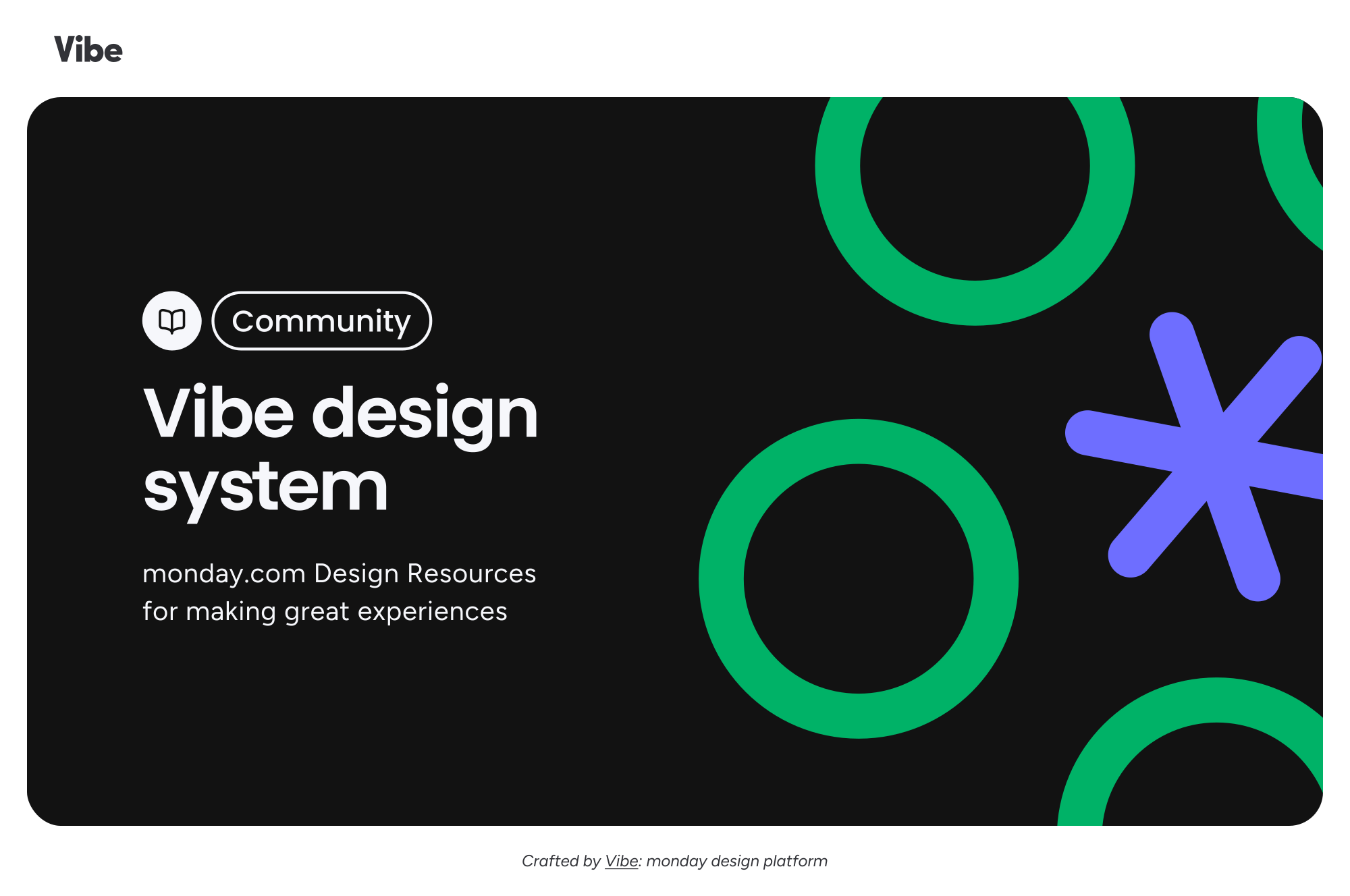
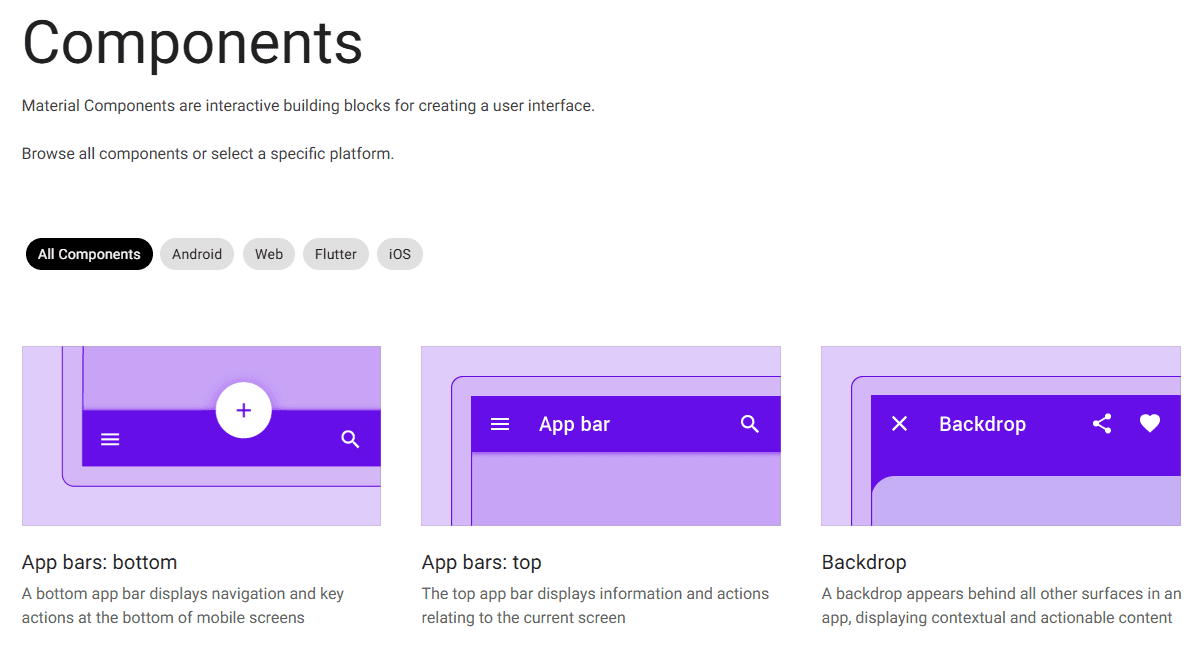
Clear rules, accessible components, and a new home in Figma.
The system at a glance
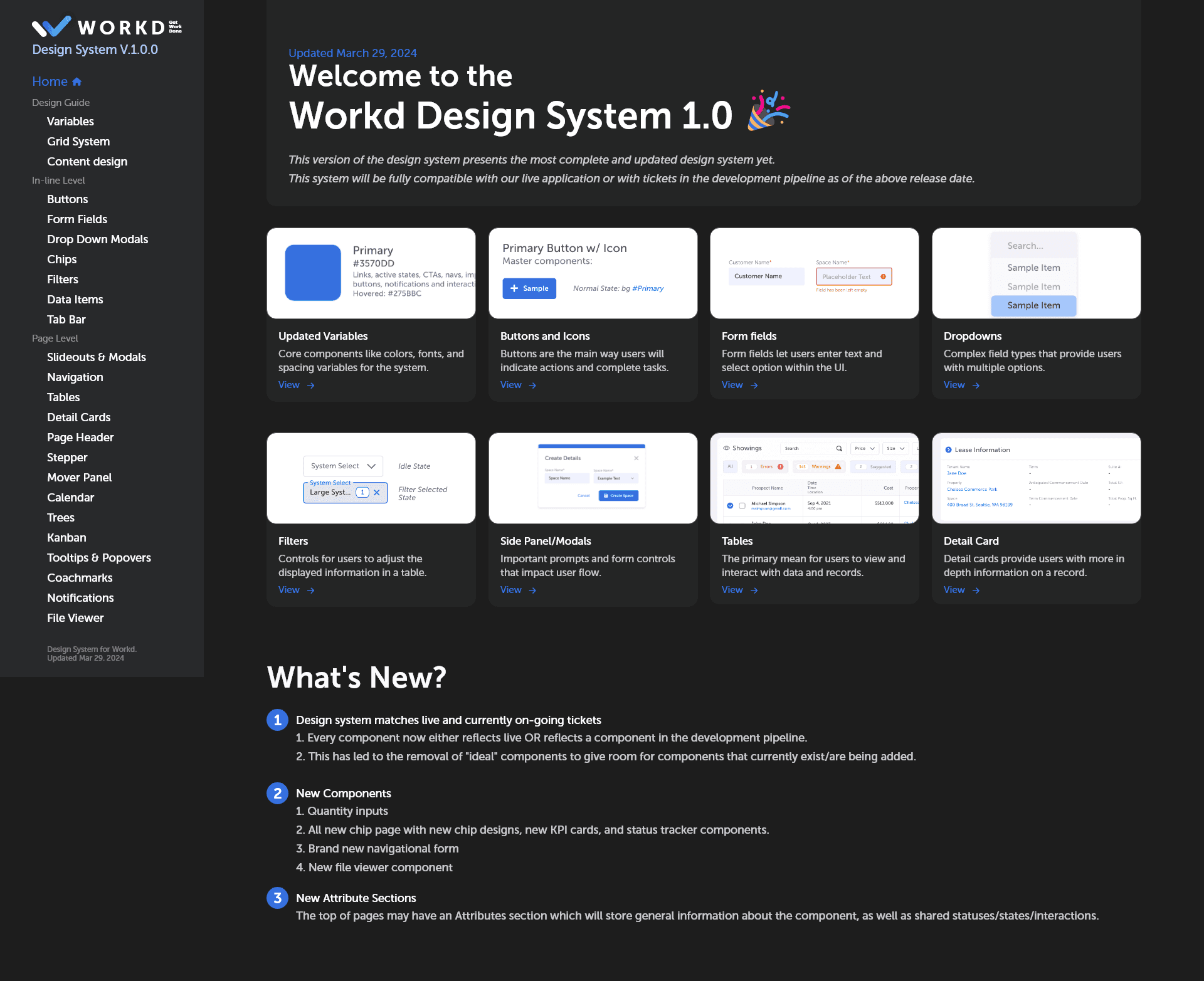

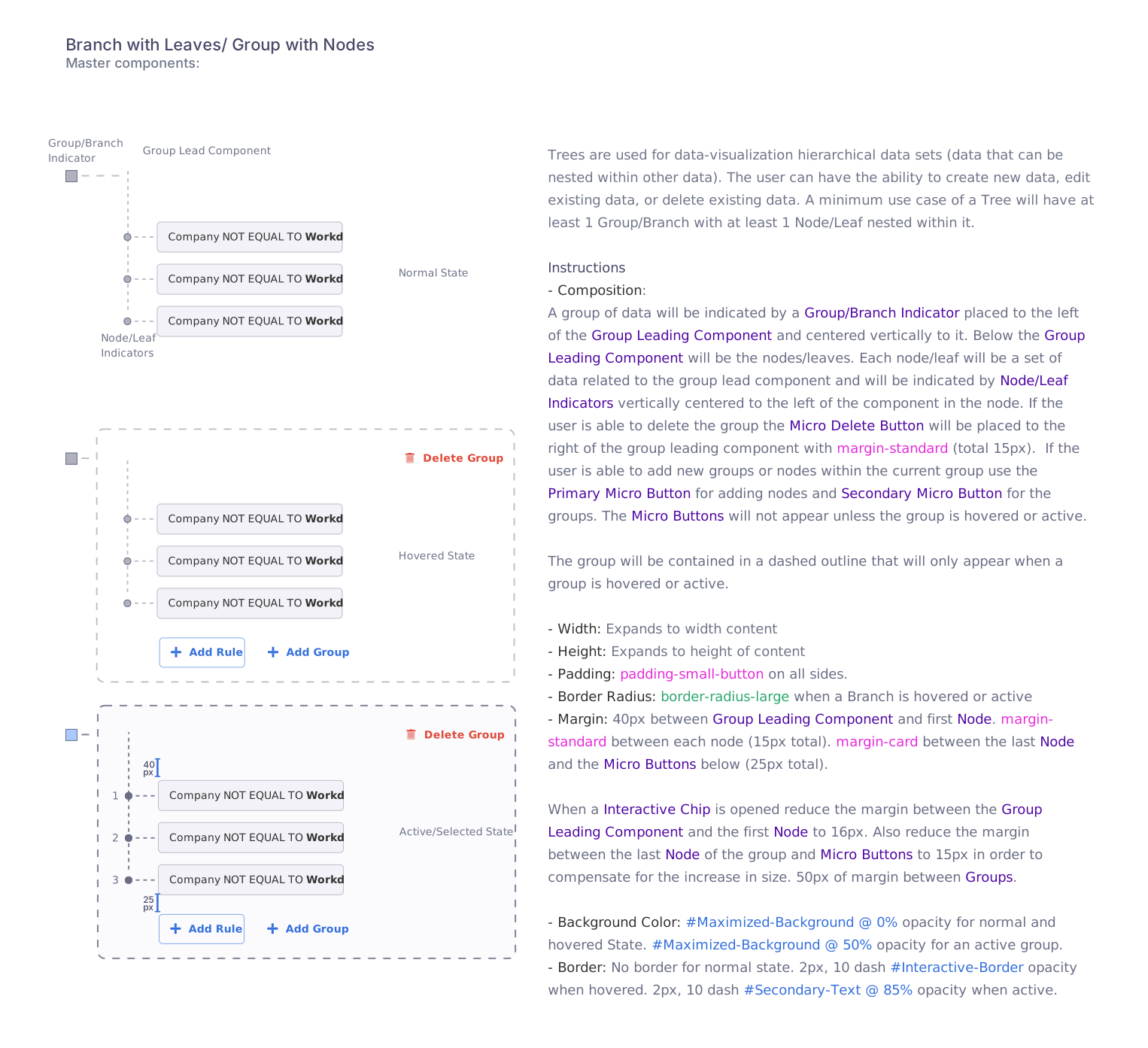
01Standardize naming and rules
The system had inconsistent naming conventions and rules, which created friction between designers and developers.
Standardized component naming and documentation rules so design and dev spoke the same language.
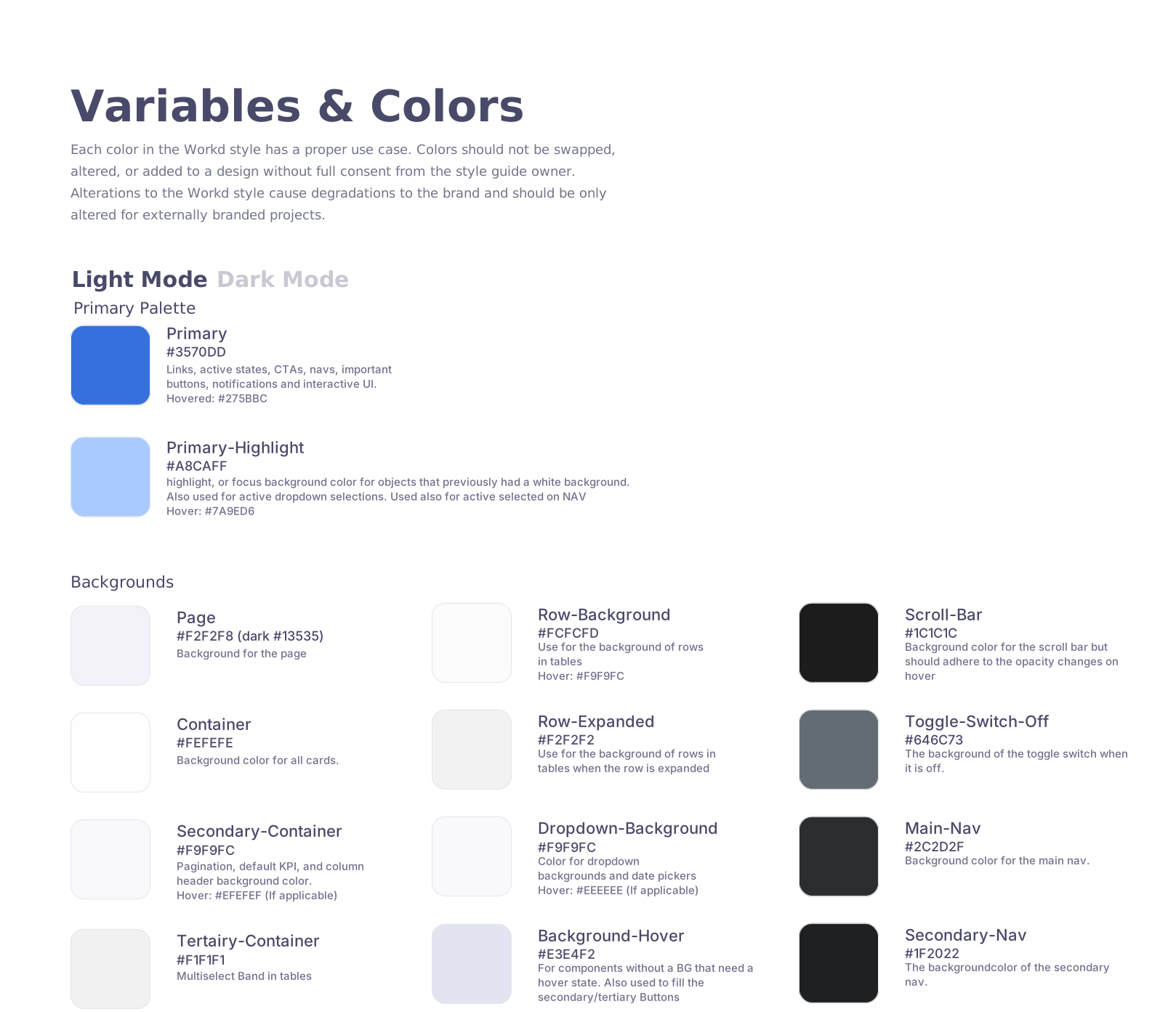
02Untangle the CSS variables
Overlapping CSS variables caused unexpected changes across components and accessibility issues.
Expanded the CSS variables to isolate dependencies and make the system easier to maintain.
03Make accessibility the default
Accessibility standards weren’t consistently met across components.
Updated the components to meet at least WCAG AA, with many reaching AAA.
04Move the system to Figma
Adobe XD was being sunset and no longer fit the scale the system needed.
Migrated the system to Figma for scalable component management and a stronger handoff from design to dev.